
 REQUEST A DEMO
 LIVE SUPPORT
Designed to automate the clinic workflow, the MD Logic Command Center ensures your clinic is running at maximum efficiency.
Introduction
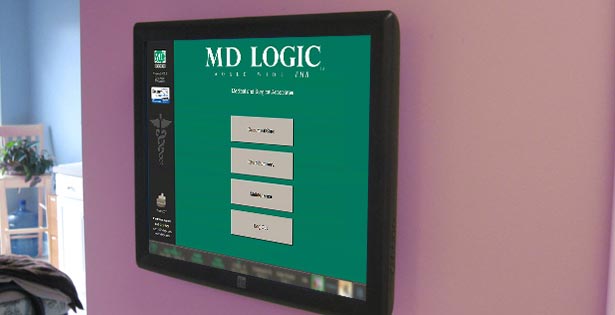 In order to reach maximum productivity it is essential for a clinic to adopt proven technology engineered to manage the patient workflow. The MD Logic Command Center manages each patient visit from the time the patient arrives for their appointment until the patient leaves the clinic.
Gone are the days of plastic flags, lighting systems or even paper clips with numbers placed on exam room doors used to identify the next patient ready to be seen in the clinic. With the touch of the screen the MD Logic Command Center displays a schematic of the clinic identifying each patient location.
Automate Requests
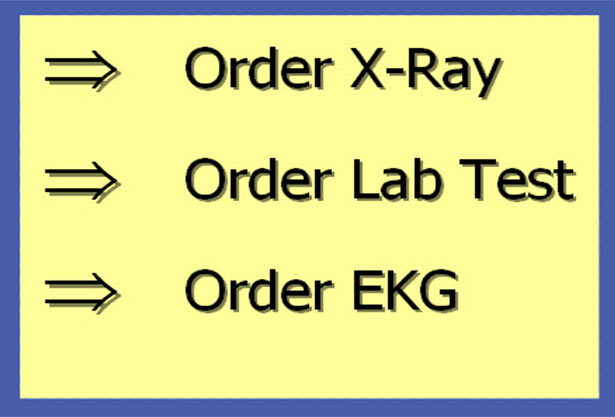 Once a patient is placed in the exam room they are typically seen in the order that they are placed in the exam room. During the examination a physician may determine that an x-ray, ekg, audiology test or blood work, etc. is needed. The MD Logic Command Center automates these requests to the supporting staff. Orders and requests are immediately displayed ensuring that all ancillary services are provided as quickly as possible during the patient visit.
In order to maximize efficiency a clinic must automate these requests. Time saved each day can be spent with patients or more patients can be added to the schedule to increase revenue.
Green Means Go
 The MD Logic Command Center identifies the next exam room and patient ready to be seen. With the touch of the screen all health data relating to the patient visit is displayed.
Healthcare providers enter the exam room with a clear understanding of the reason for the visit along with all pertinent health information.
Due to the efficiency offered by the MD Logic Command Center, physicians are able to see more patients in less time while providing the best possible care for their patients.
To learn how you can streamline your practice contact us today at 800-273-7750.